Content is shared with teams by adding Collections allowing users part of the Team to access content.
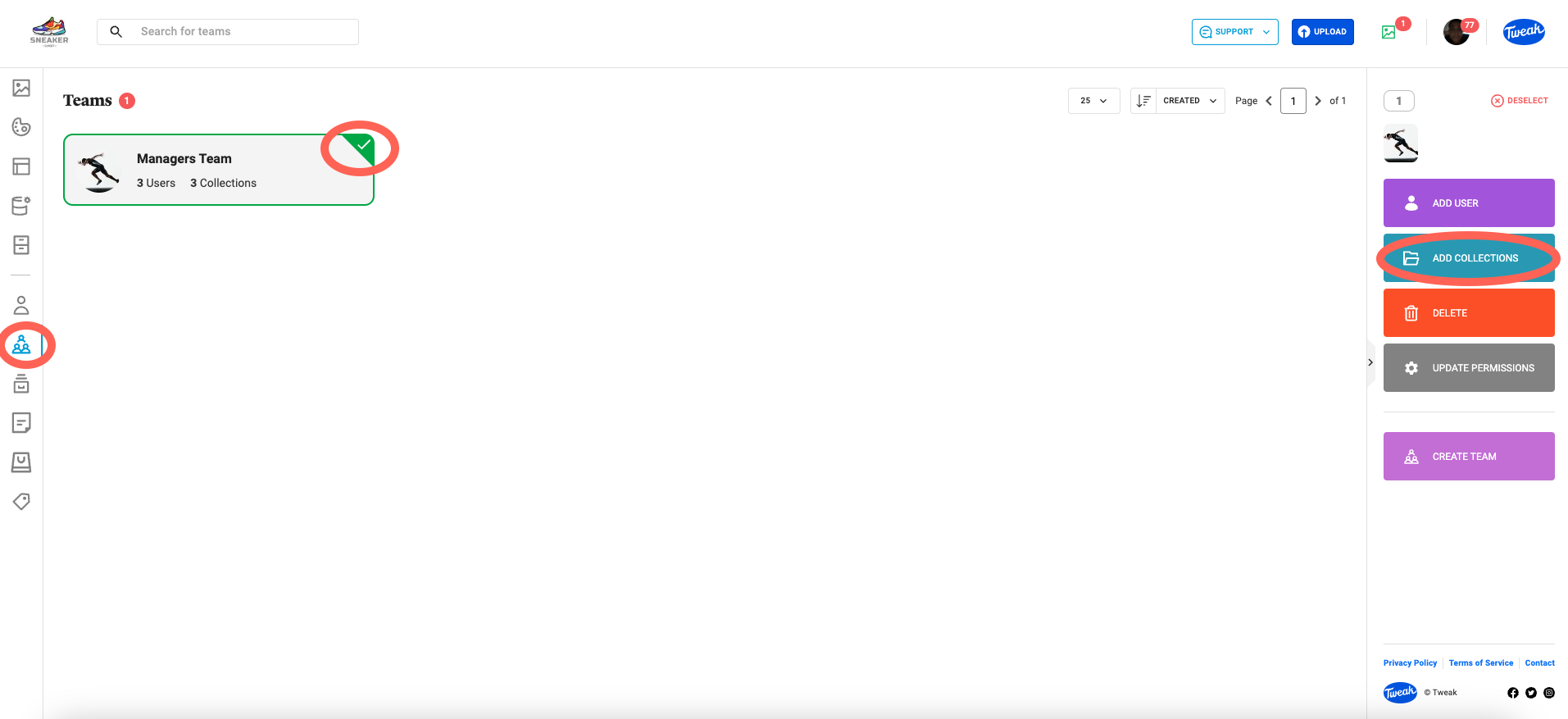
1- Click on the (team icon) tab on the left panel.
2- On the right panel, click on the Add Collections button.
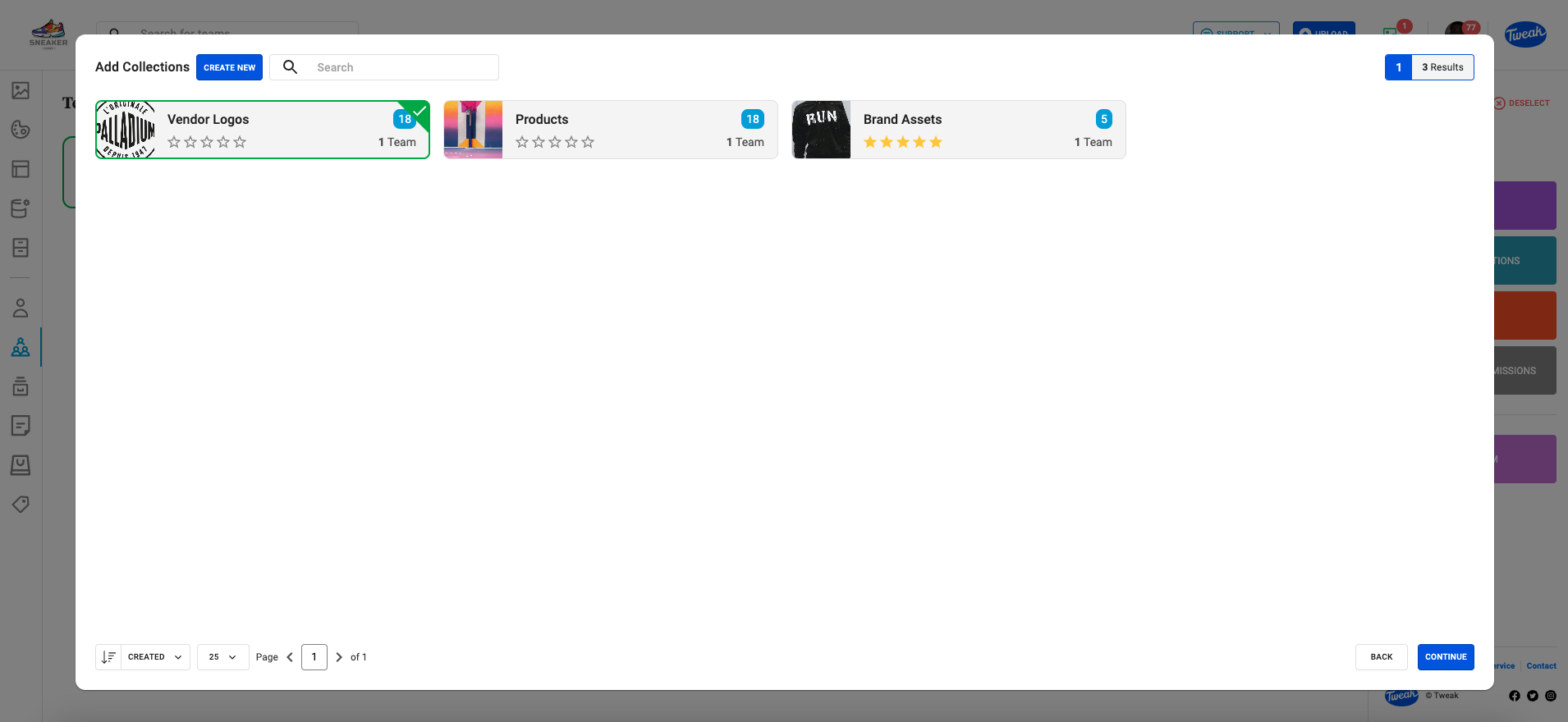
3- The dialog will display all the available Collections. Select the Collections/s you want to share with and click Continue.
4- A confirmation screen will appear to confirm that the Collections has been shared to the team/s.