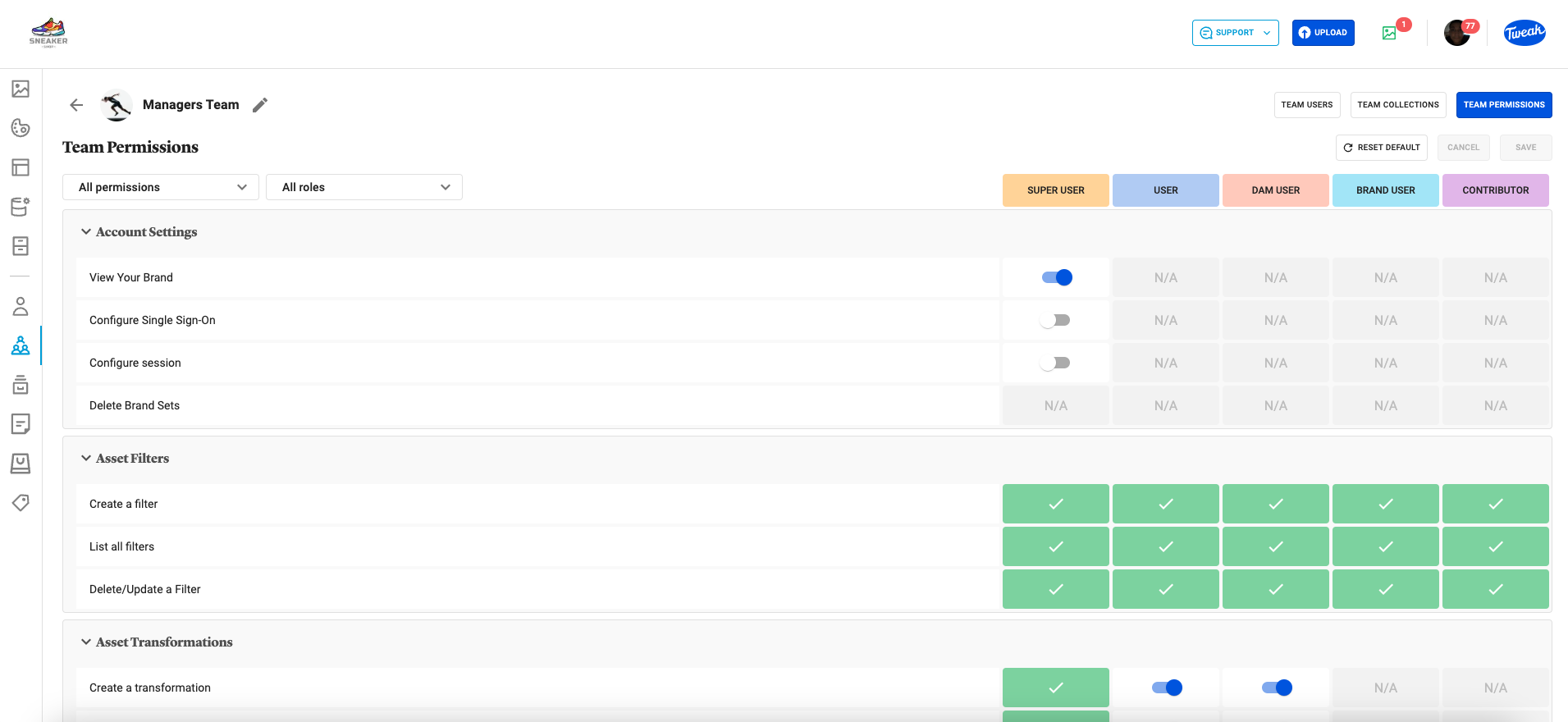
1- Click on the (team icon) tab on the left panel.
2- The available teams will be displayed, showing the number of Users in the team and the number of Collections Shared to it.
3- Double Click on a Team and click on Team Permissions to see the available permissions for the team by role. Click to open each section. N/A indicates that the permission is not editable. Highlighted roles are editable users the toggle button. To return to defaults click on Reset Default.