Main Topics
Users & tEAMS
Creating Teams
Back to Help
Take a Guided Tour
on how to create Teams
Click here to Start the Guided Tour

Creating a Team

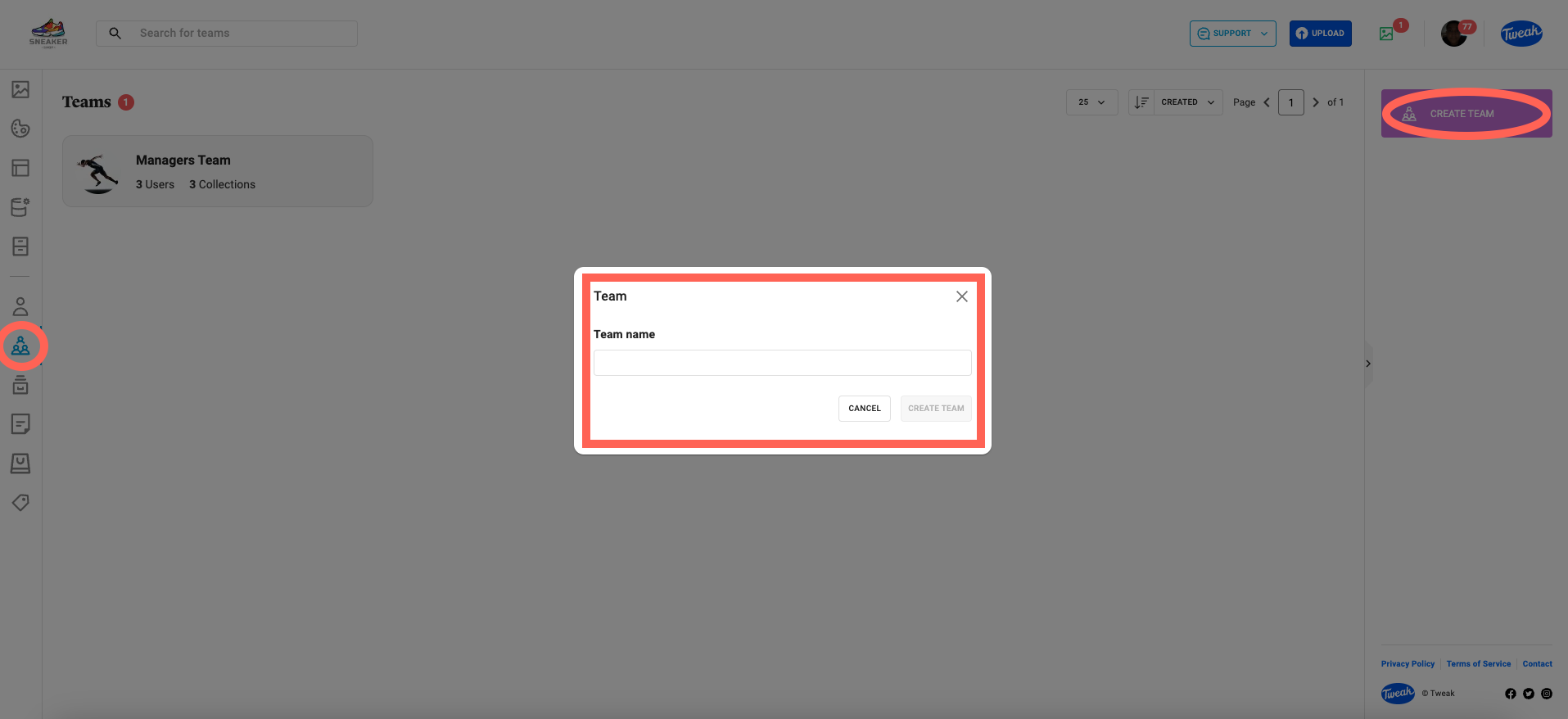
Creating a Teams on your Tweak account

1- Click on the (team icon) tab on the left panel
2- On the right panel, click on the Create Team button
3- Enter the Team Name and click Create Team

The team is now created.

Need more support?
Contact us now
Email Support