The Tweak support aims to make the use of the tweak application effortless, so that you may focus all your attention on building your brand.
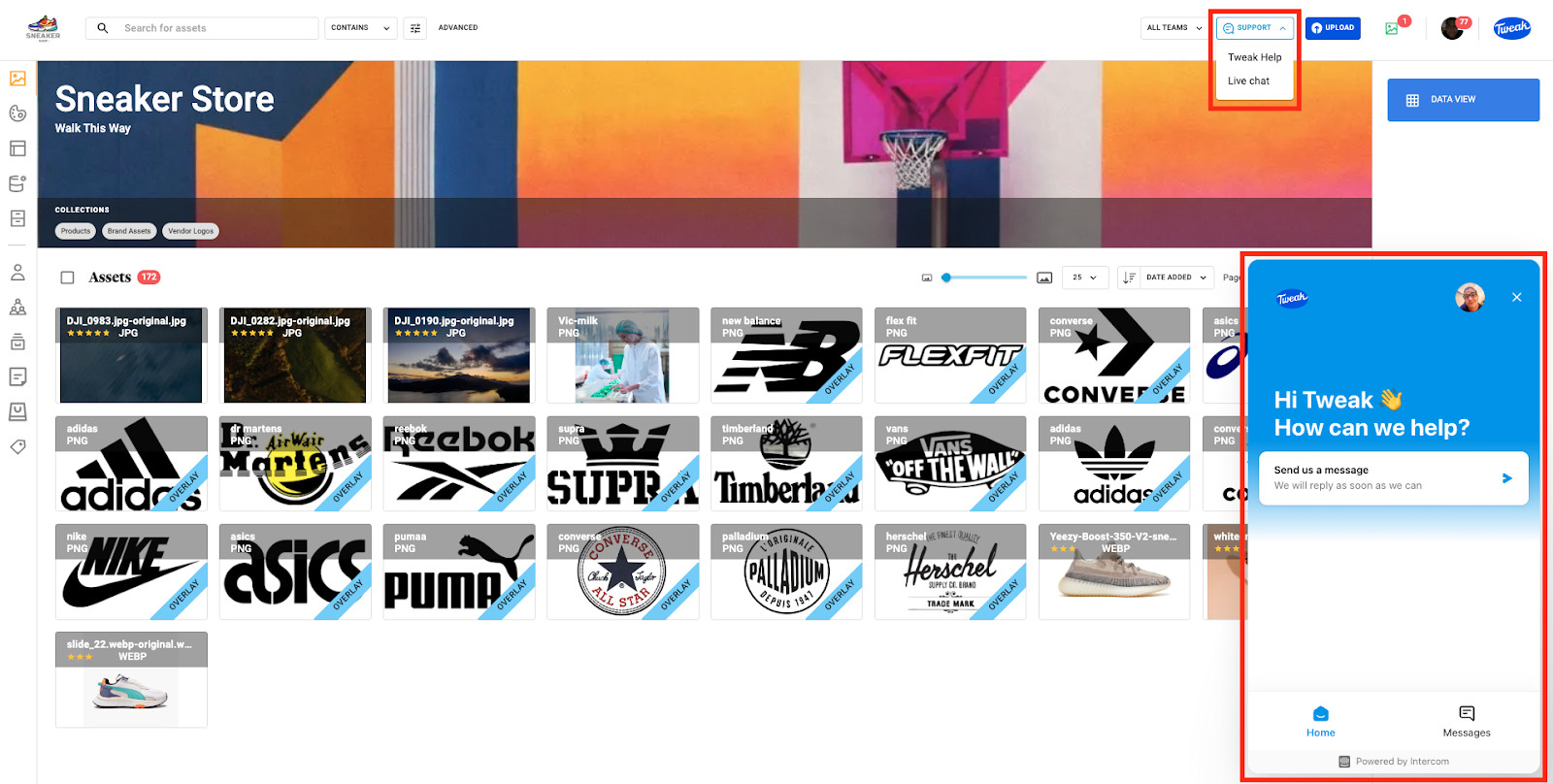
1- Click on the Support button dropdown menu on the top right corner.
2- If Super User you will be presented with a drop down menu with two option - Tweak Help and Live Chat. Some user roles may be presented with only Live Chat.
3- Tweak Help will redirect you to a helpdesk webpage with guided tours that will explain every aspect of the tweak application.
4- Live Chat will connect you to one of our support team members who will assist you with any concerns or questions you might have.