
Metadata Categories in Tweak are labels that can be used to organize assets based on common characteristics. They provide a structured framework for efficient asset management, allowing users to easily navigate and search for relevant content. By assigning assets to specific categories, users can quickly find the assets they need, collaborate effectively, and maintain consistent organizational practices.
It’s offers full customization options to tailor metadata categories to specific industry requirements or project criteria. Overall, metadata categories streamline workflows and optimize content organization in the Tweak system.
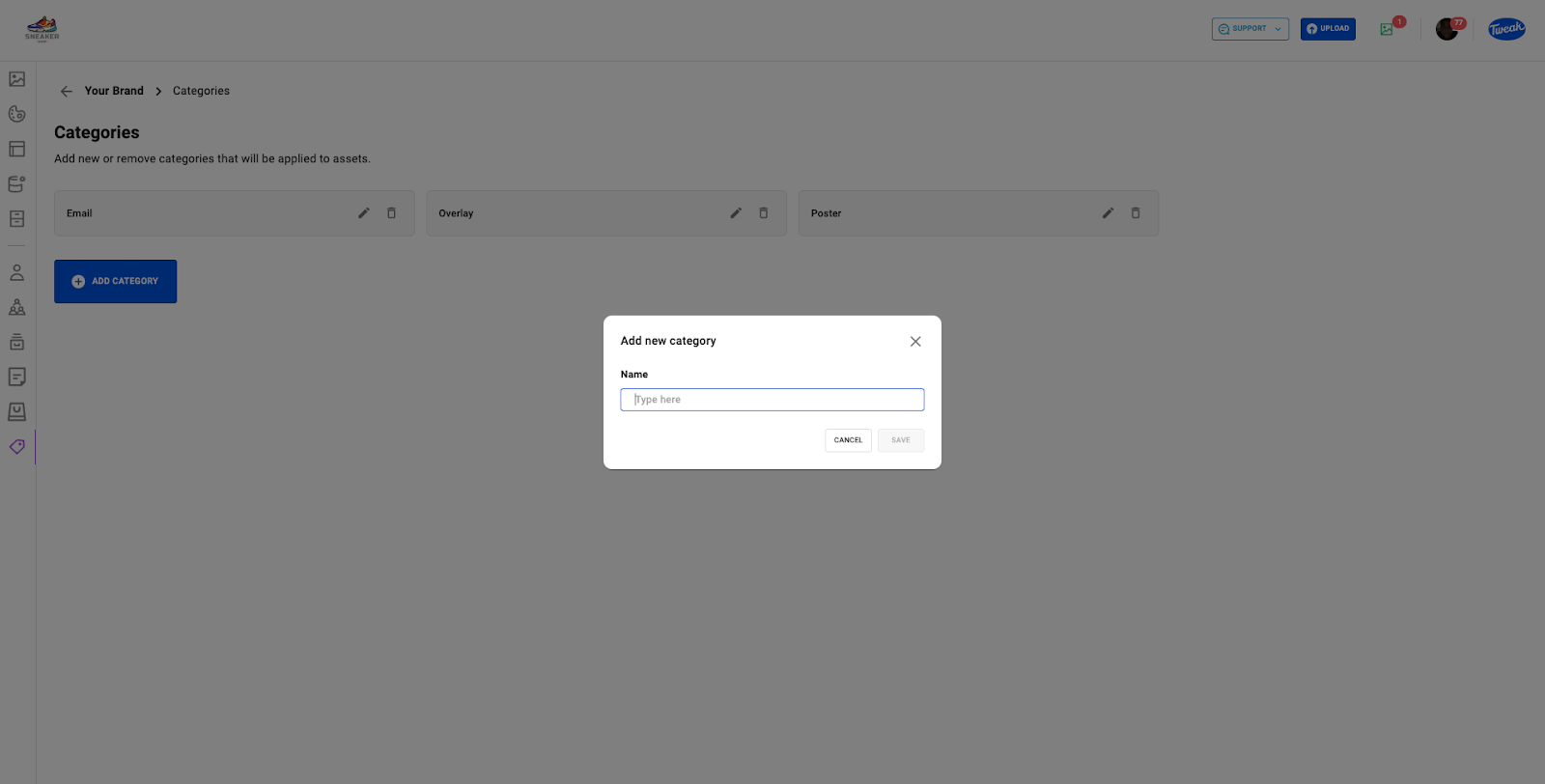
Category can be read and edited on the Single Asset View, Bulk Asset View and on the Template Preferences.









