
On the Smart Publishing sections, select the Smart Template or Variable Data then click on the Edit button to open up the Smart Publishing allowing you to make changes.

On the Smart Publishing sections, select the Smart Template or Variable Data Template then click on the Delete button to permanently delete the Smart Publishing.
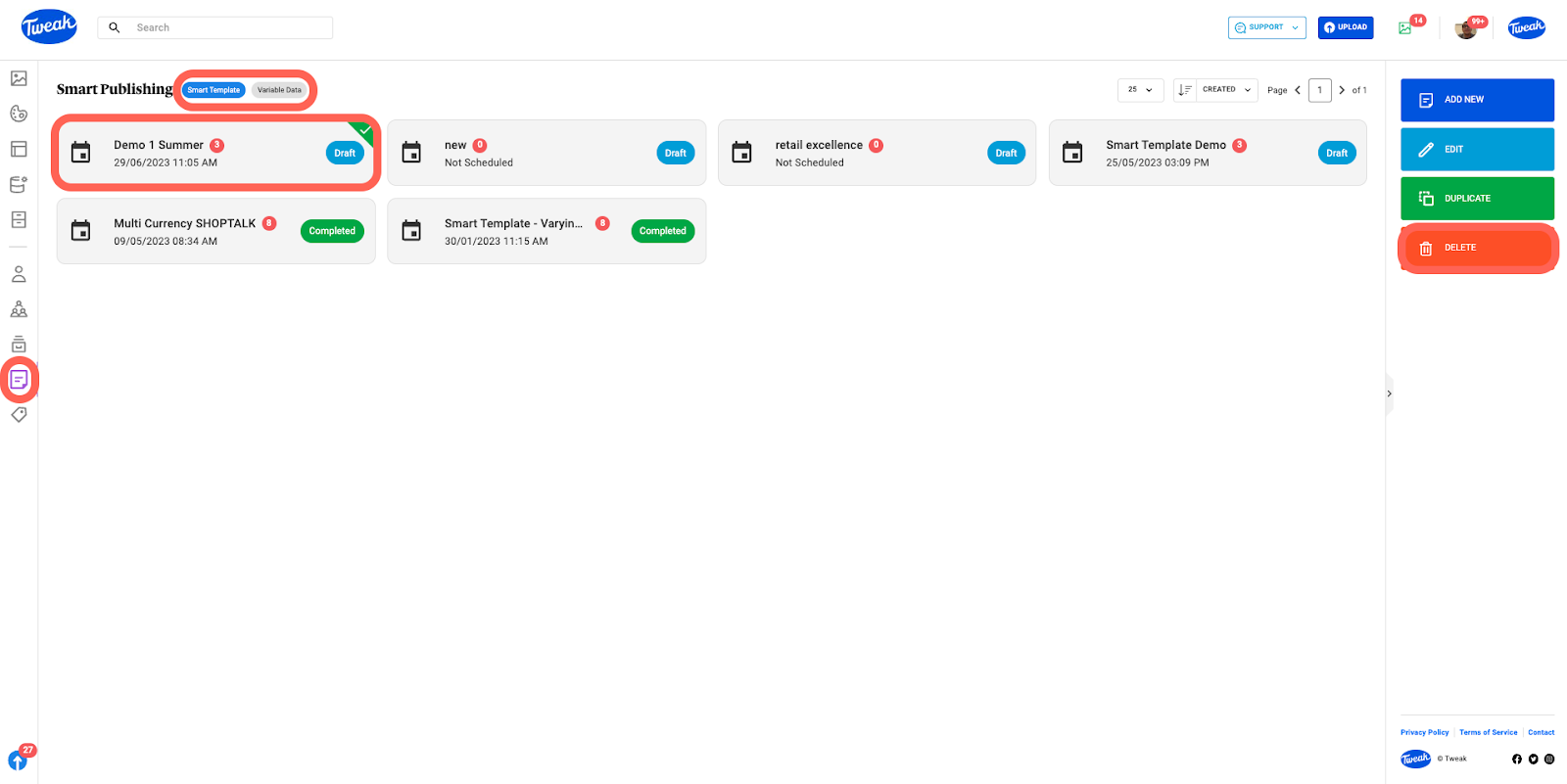
On the Smart Publishing sections, select a Smart Template or Variable Data then click on the Duplicate button to create a duplicated instance of the selected Smart Publishing.








