
These Smart Data Records allow you to add and/or replace the elements on your template with the data from your data source. This allows you to create multiple designs that you can share with your customers.
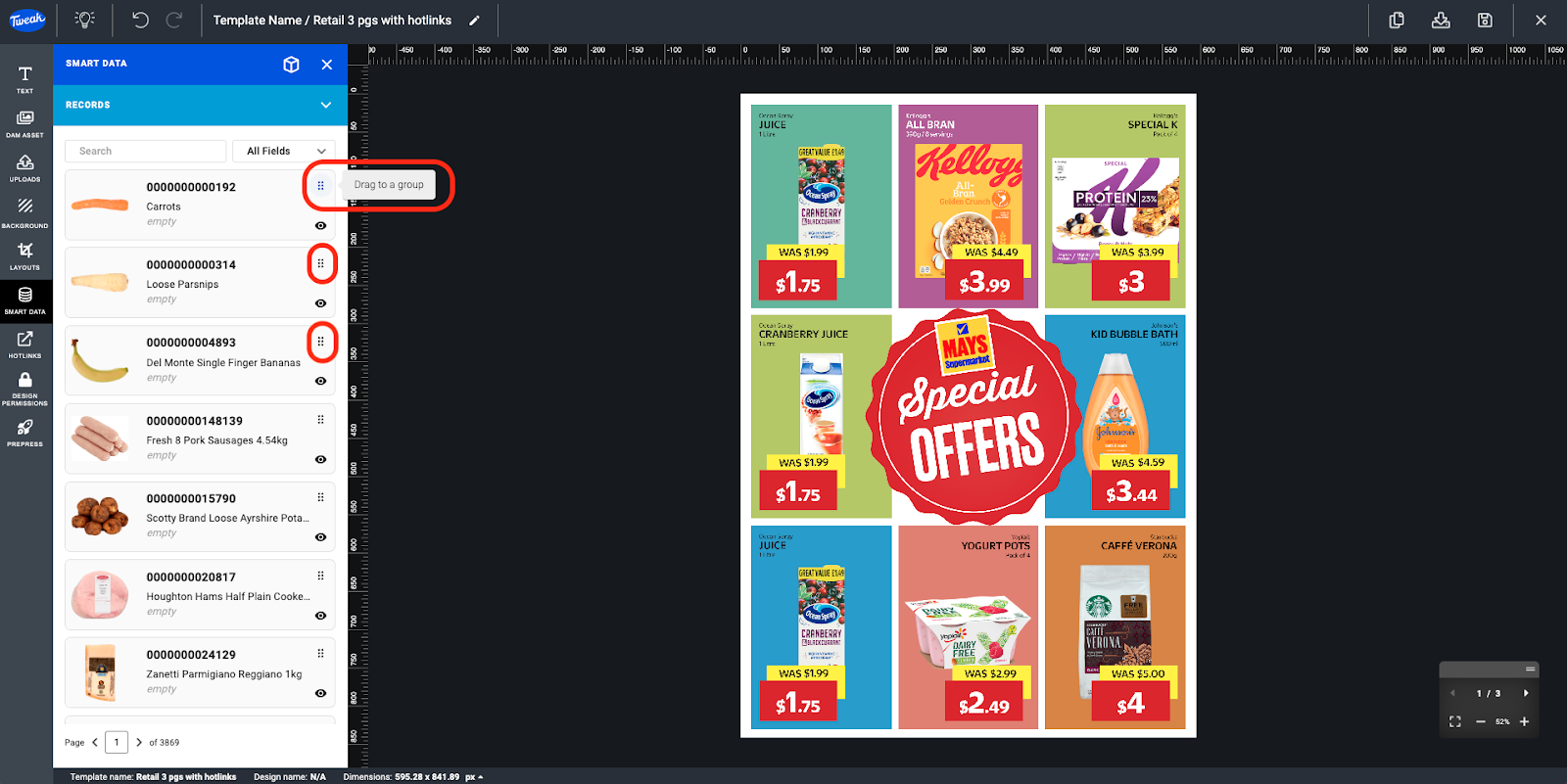
Simply drag and drop the records into groups that your have created from your template and the data will be updated with the data from the record
1- Once your Template is connected with Smart Data, open the Smart Data tab on the Template Editor and records section will be displayed.
2- Search for wanted record and drag and drop record into the Groups.
1- On the Template Editor canva hover over to the Groups and a Pen icon will appear, click on the Pen icon.

2- The Edit Record Values for this Group page will appear.
3- Editing the record on this page won’t change the Data Source, but only what’s displayed on this Template/ Design. Click on the Continue button to confirm changes.








