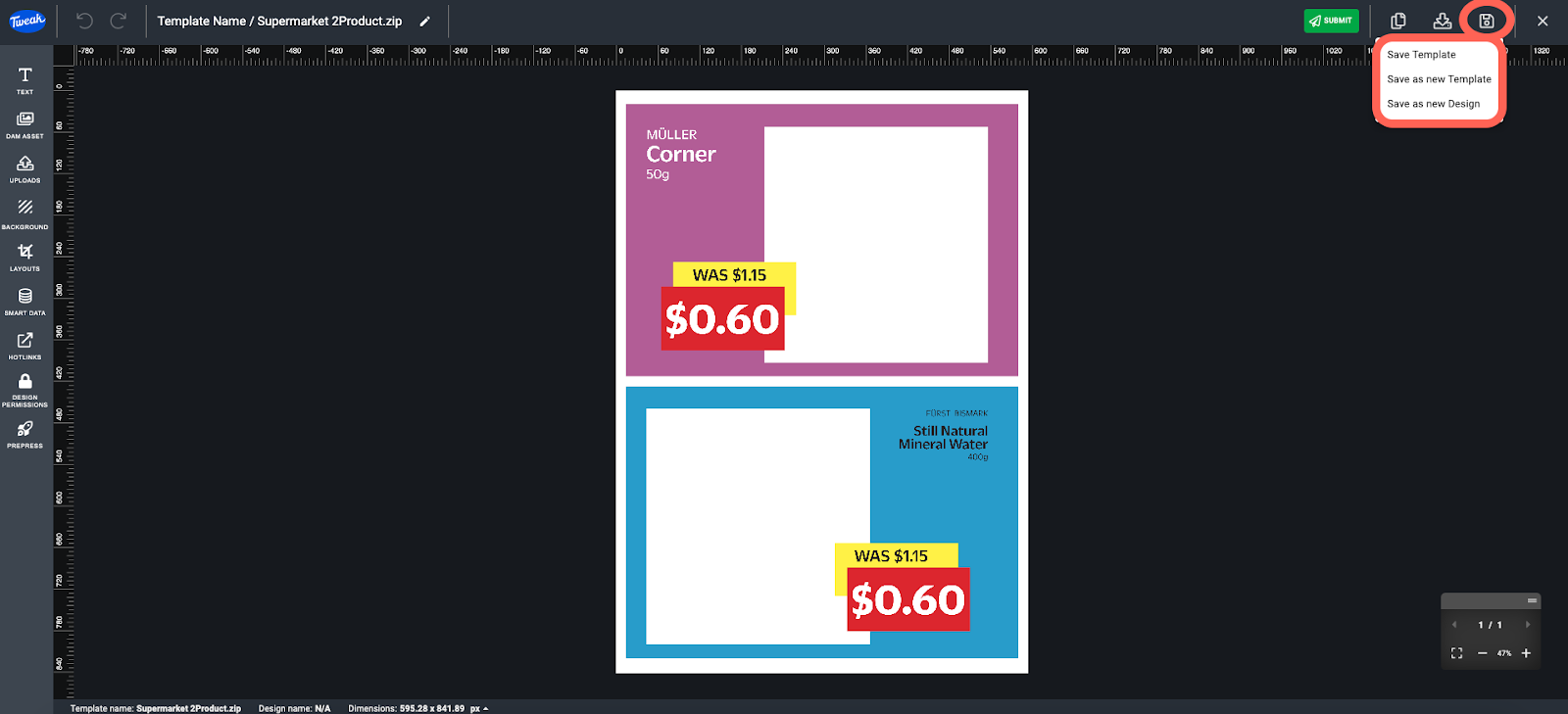
You have the flexibility to save Templates and Designs in different ways, depending on your needs and workflow. Here are the available save options:
- Save Template: This option allows you to save the current state of the Template. By choosing this option, any changes made to the Template will be saved, updating the existing Template with the modifications.
- Save as a New Template: If you want to create a new Template based on the current one, you can use this option. It enables you to duplicate the existing Template and save it as a new Template while preserving the original Template in its current state.
- Save as new Design: This option is useful when you want to create a new Design based on the current Template. By selecting this option, a new Design is generated, utilizing the current state of the Template as its foundation.
1- Click on the Save icon at the top right corner of the navigation bar.
2- You can then select any of the available save options - Save Template (save template in current state), Save as new Template (create a new template from current template in current state), and Save as new Design (create a new Design based on the current template).