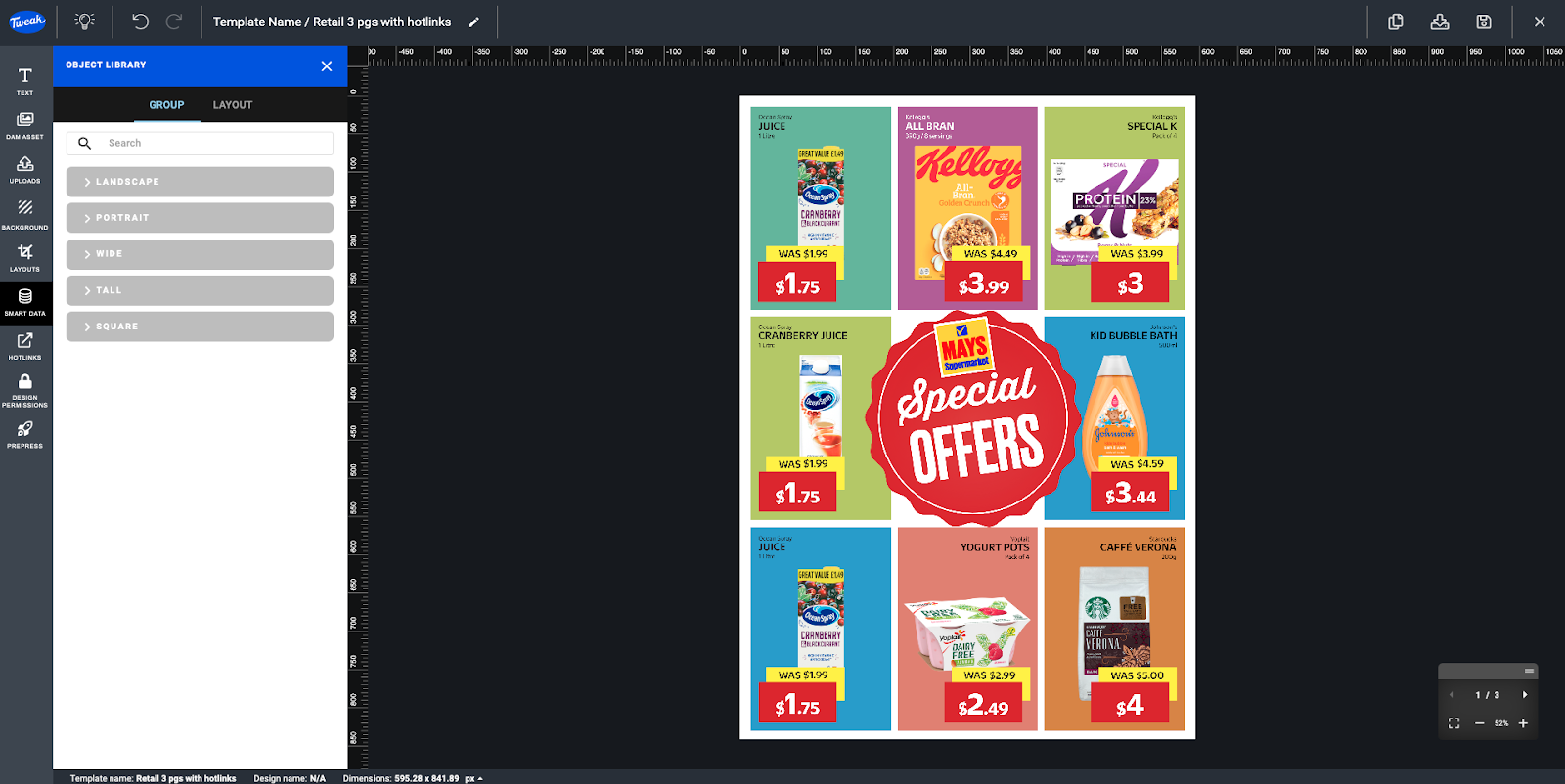
Object Library Groups and Layouts are powerful features in Tweak that allow you to save and reuse groups and smart groups in your Templates. Providing a convenient way to organize and reuse design elements, saves you time and effort in creating consistent and visually appealing designs.
Here's how they work:
Object Library Groups enable you to save groups of objects into a library for future use.
1- Click on the Three Dots icon on the group header and select Save to Library.
2- You will be prompted to provide a name for the Object Library, add tags to facilitate search, and specify the aspect ratio.
3- Once saved, you can easily access and reuse these groups in your designs.

Object Library Layouts allow you to save smart groups into a library for later use.
1- Click on the Three Dots icon on the Smart Group header and select Save to Library.
2- You will be prompted to provide a name for the Object Library, add tags to facilitate search, and specify the aspect ratio.
3- Saved Object Library Layouts can be accessed and reused in your designs whenever needed.

1- To access your saved Object Libraries, simply click on the Object Library icon located at the top of the Smart Data section.
2- From there, you can easily browse through your saved libraries and select the desired groups or layouts to use in your designs.