
Assets which have been uploaded by users other than Super Users need to be approved before they are accepted. A green icon on the top right of the home screen indicates asset batches awaiting approval with a red circle indicating the number of waiting batches.
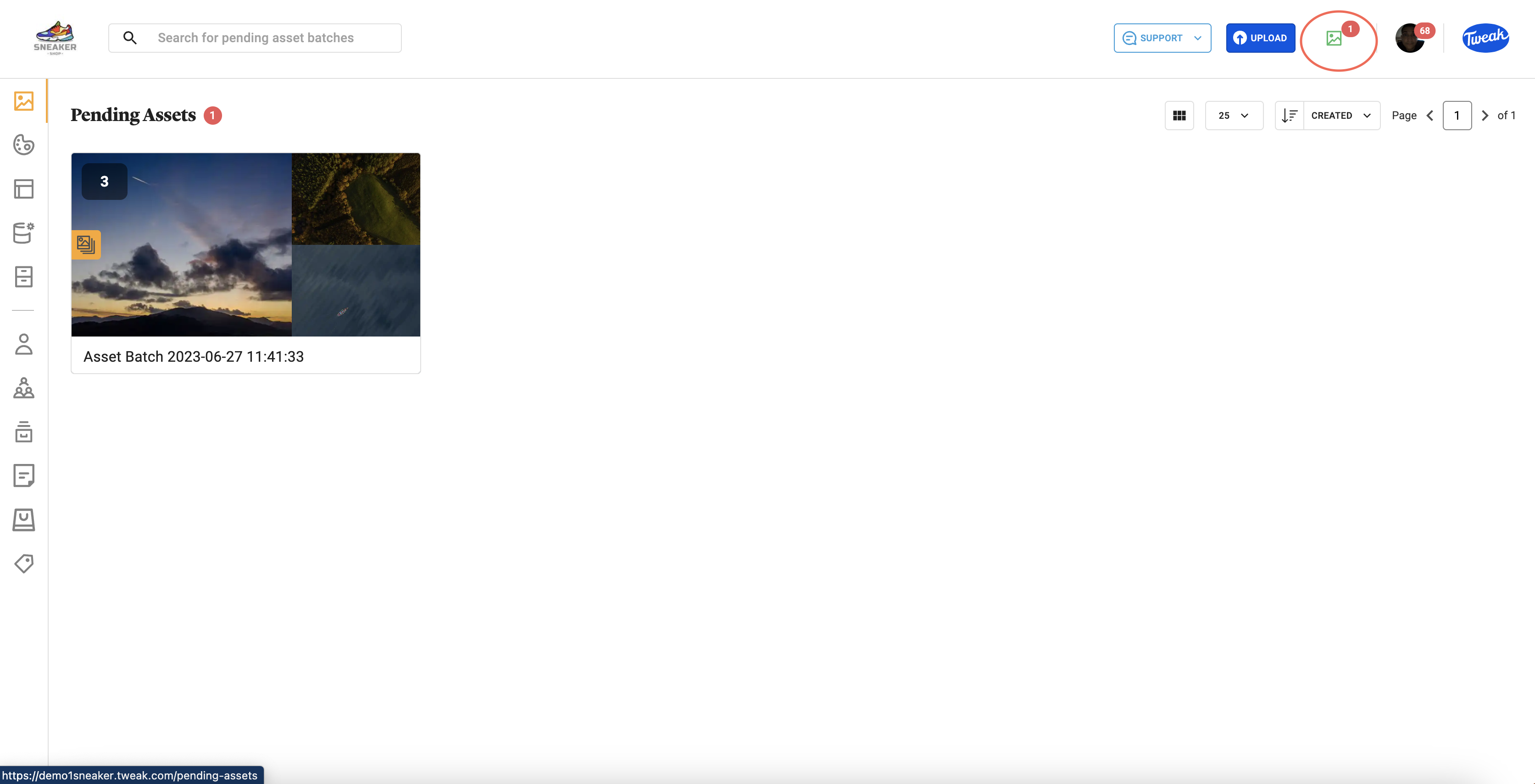
Each asset has the flag Pending Asset, which changes to Approved, when it’s accepted using the green buton on the bottom right of the screen. All assets in the batch and the metadata included in them can be viewed in full screen or multi image view before approval. Assets can be deleted from the batch using the bin icon.
Tweak uses a combination of the information in an asset to evaluate the risk of a duplicate asset. When this is detected, the asset is flagged with Potential Duplicate. To evaluate the duplicate and original, click on Resolve. This presents the new asset and the original one, comparing the following information to help compare; Date Uploaded, File Size, File Type and Dimensions. The User is given the following options:
New Asset – Creating a new asset will result in both assets remaining.
New Version – A new version of the original image will be created with the Duplicate file. The original file will be preserved within the record.
Delete – The duplicate asset which has been uploaded will be deleted.








