
From the home screen, click on the blue Data View button on the right hand panel. This shows the assets all of the metadata associated with them. Any element of metadata can be edited on this dialog.
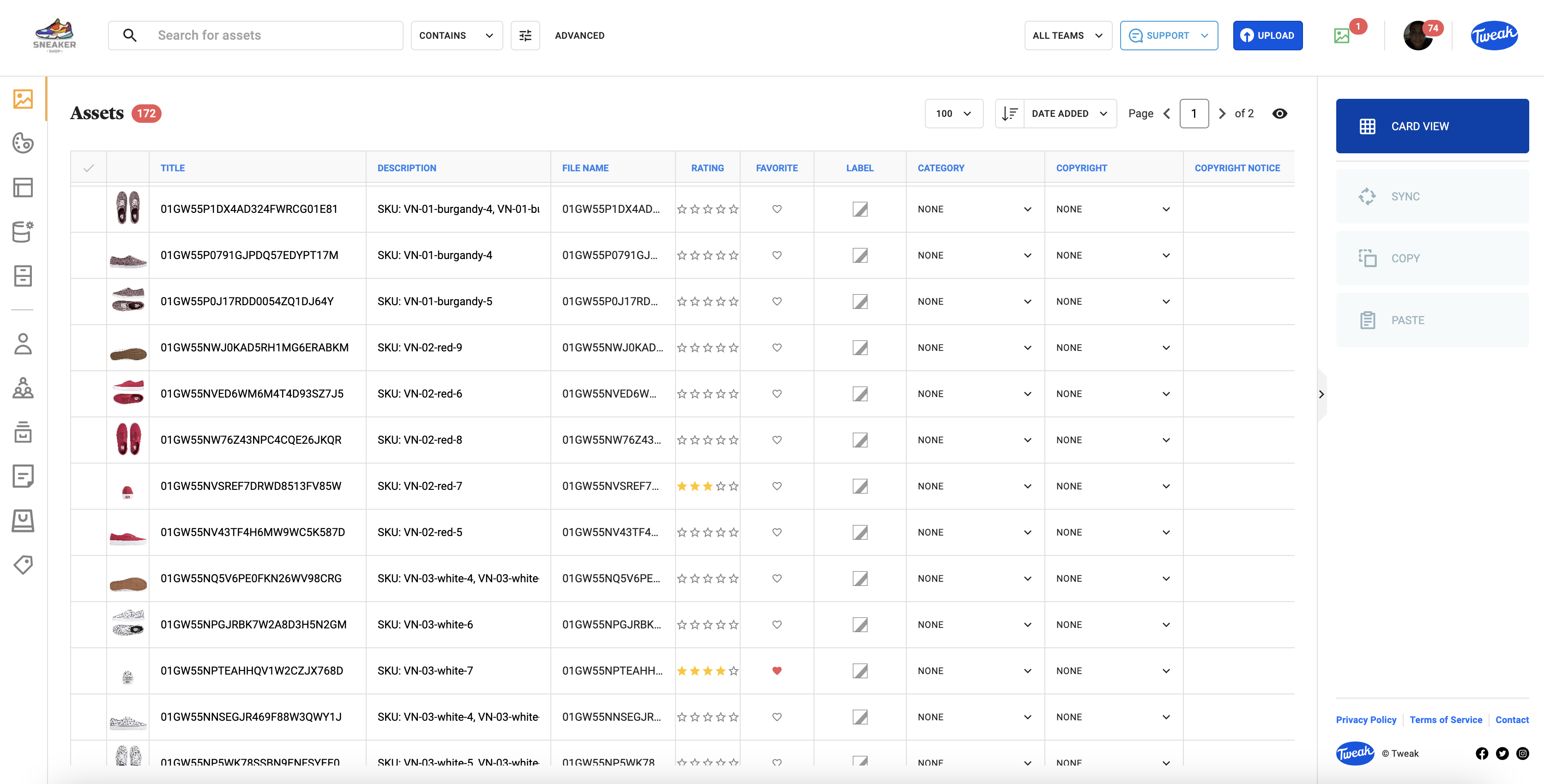
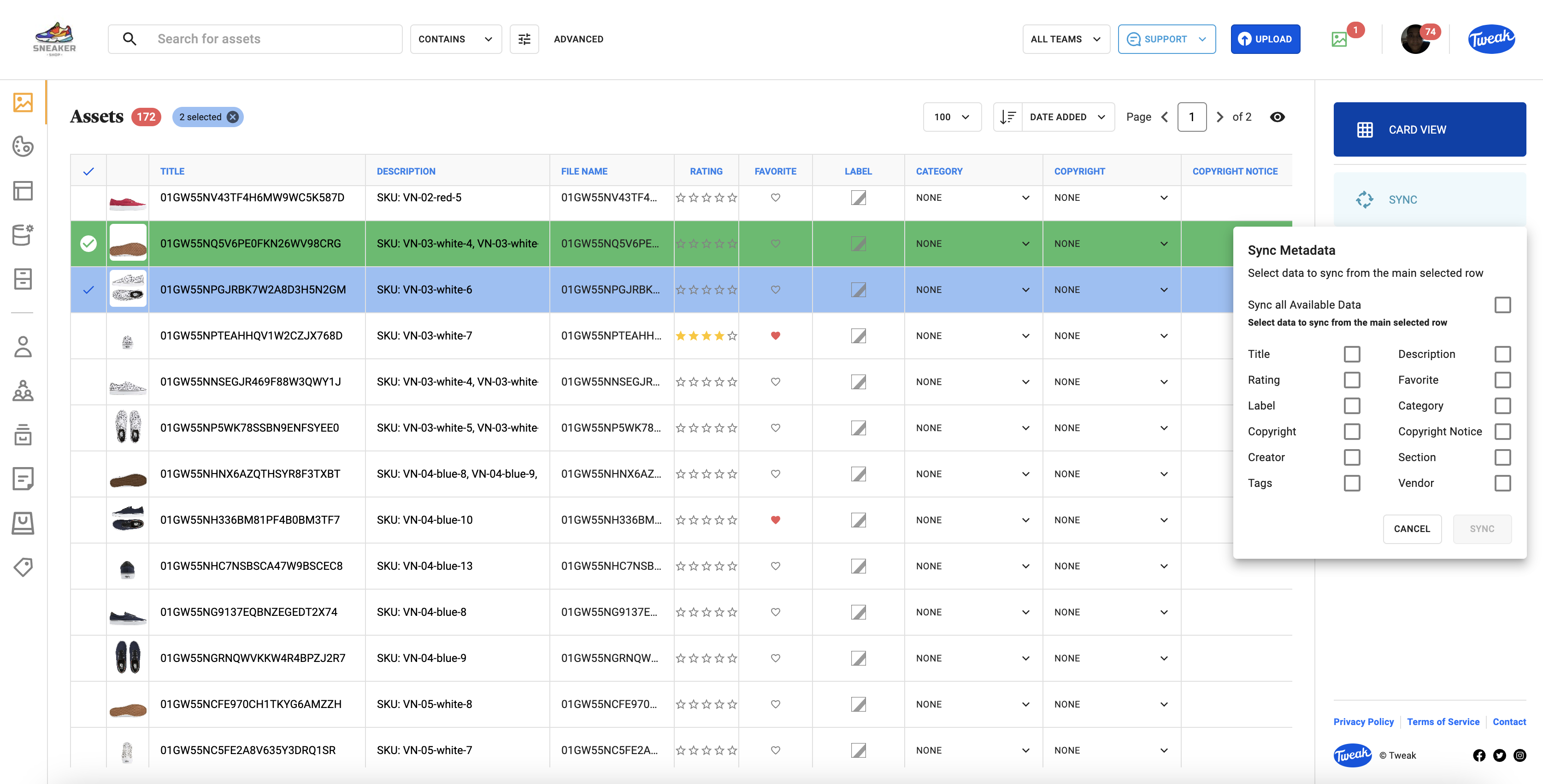
1- To sync metadata from one record to others, click on the record you wish to copy from first, then the other records (The first (source) record will be highlighted in green and the target records in blue) and click Sync on the right hand panel.
2- A panel will appear querying whether all metadata or particular elements only should be synced. Select the metadata you wish to sync.
3- Click on sync and the metadata will now be synced.
1- Click on a single asset record and and click Copy on the right hand panel.
2- Click on the target you wish to paste the information to. The first (source) record will be highlighted in green and the target records in blue)
3- A panel will appear querying whether all metadata or particular elements only should be pasted. Select the metadata you wish to paste.
4- Click on paste and the metadata will now be pasted.








