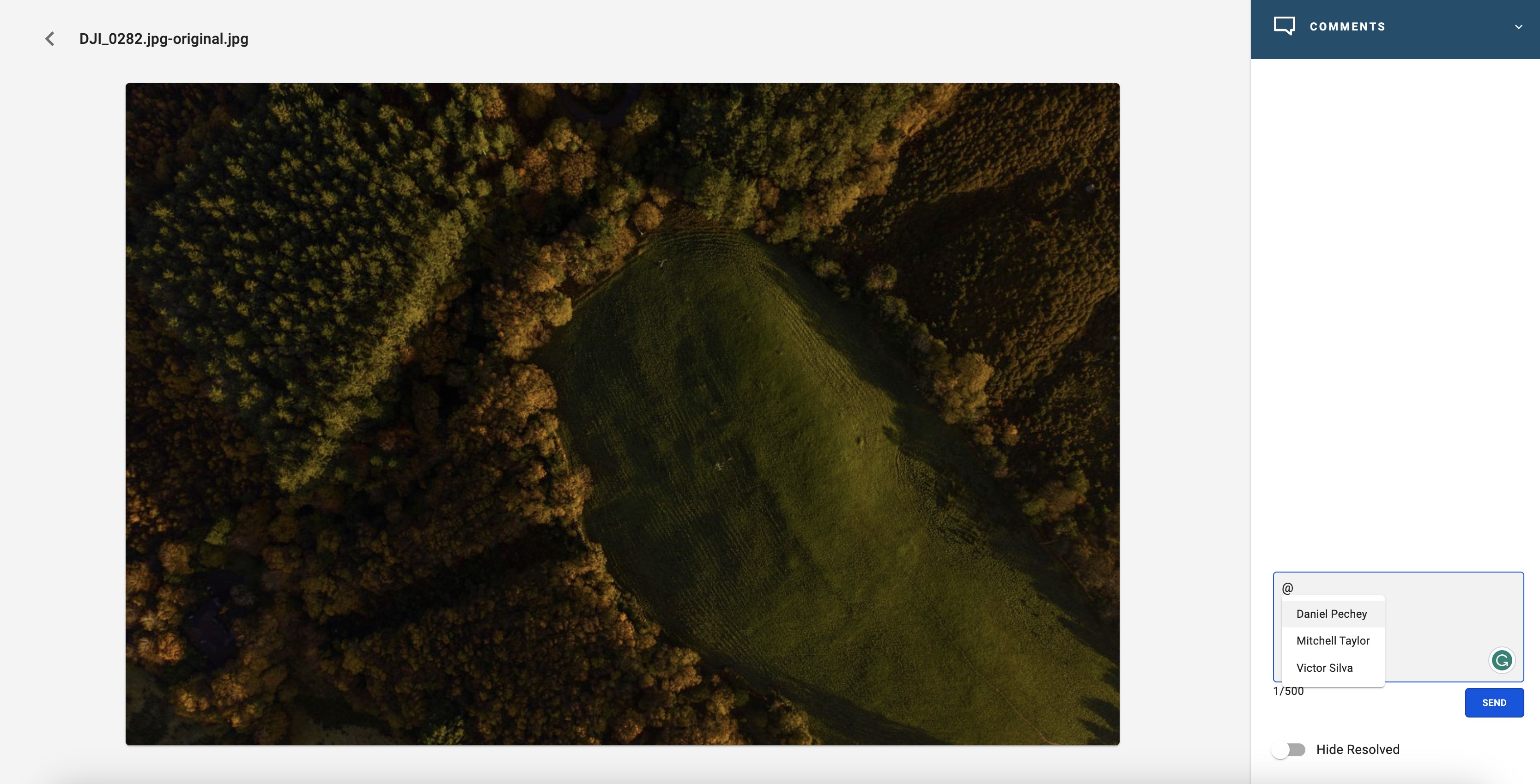
1- Double click on the asset you wish to comment on.
2- On the top right blue header, click down to the Comments tab.
3- In the box type @, which will offer a list of users. Select the users you wish to alert and type your comment. Click on the asset to highlight the area you are referring to.
2- Click Send. The user will receive an email and an alert on their home screen, providing details of the comment. The user can reply in the thread. Only Super Users can close comments.