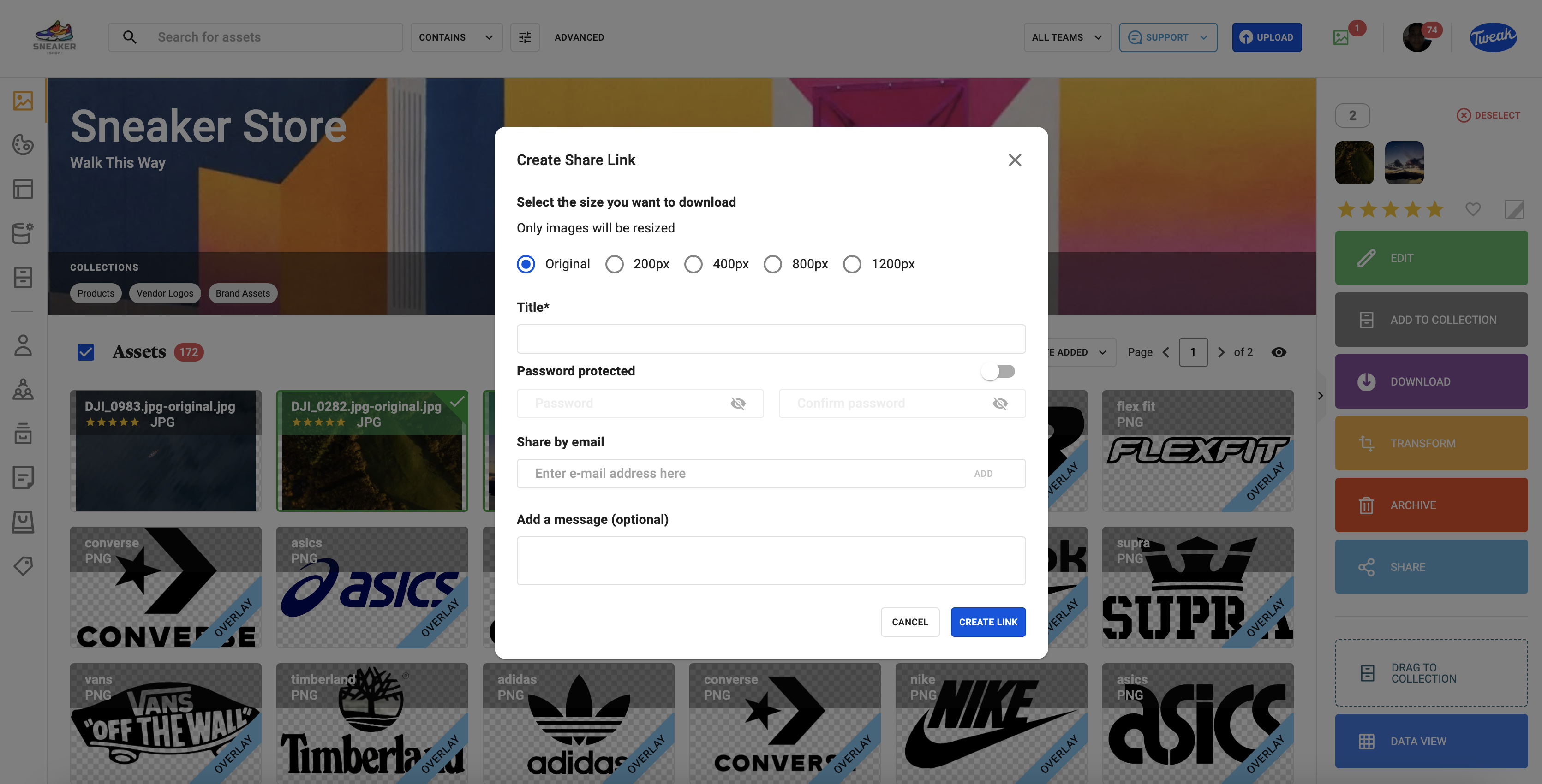
1- Select single or multiple assets and click on Share from the right hand panel of the home screen.
2- Enter a Title, add an email address (If adding multiple email addresses click ADD after each email) and click Share Link. There’s also an option to add a message which will be included in the email which includes the asset share link.
3- When you’ve shared the link, the link will be presented and it can be copied and shared elsewhere. Click Close.
When sharing more than 11 assets, it will be delivered in a compressed .zip format.