The Text Search feature allows you to quickly find relevant content by utilizing the metadata associated with the content. This powerful search functionality is available on most pages within the Tweak platform.
Contains: Searches for content that contains the specified text in its metadata.
Exact: Searches for an exact match of the specified text in the metadata.
All Terms: Searches for content that contains all the specified search terms.
Any Terms: Searches for content that contains any of the specified search terms.
Asset Metadata: Allows you to search for assets based on their metadata.
Shopify Products: Finds assets linked to Shopify Products based on the Shopify Product Metadata.

When searching within collections, you have two options:
Search inside collection: Performs a search within the selected collection only.
Search everywhere: Searches for relevant content across all collections.

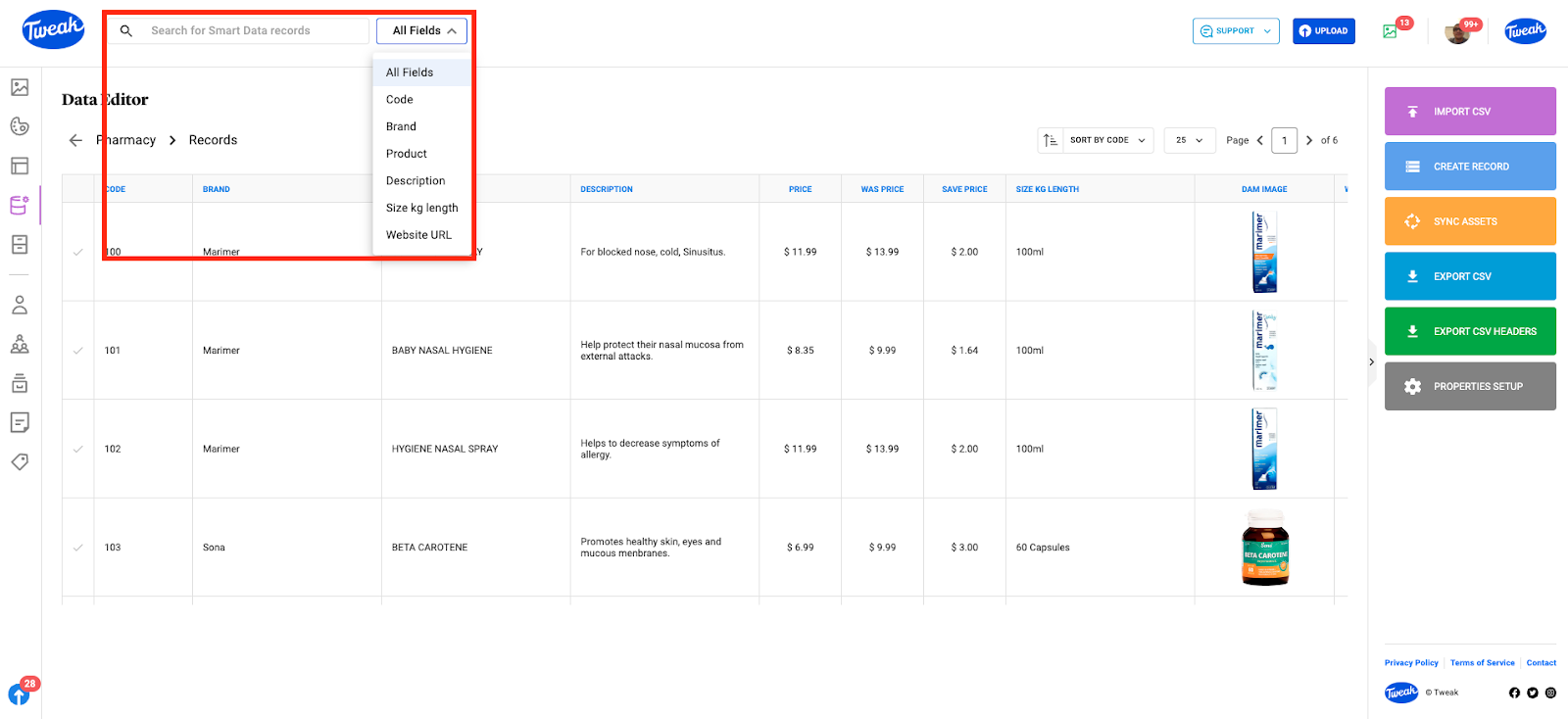
When using the Data Editor, the Smart Data Text Search feature enables you to locate records based on their text information. You can narrow down the search by selecting specific fields of the Data Source through the dropdown menu located on the right-hand side of the text search bar. This allows for more targeted and efficient searching within your data.