
The advanced search feature enables users to find the right content by utilizing saved searches or creating new ones. With Advanced Search, you can apply multiple search criteria simultaneously to refine your results effectively.
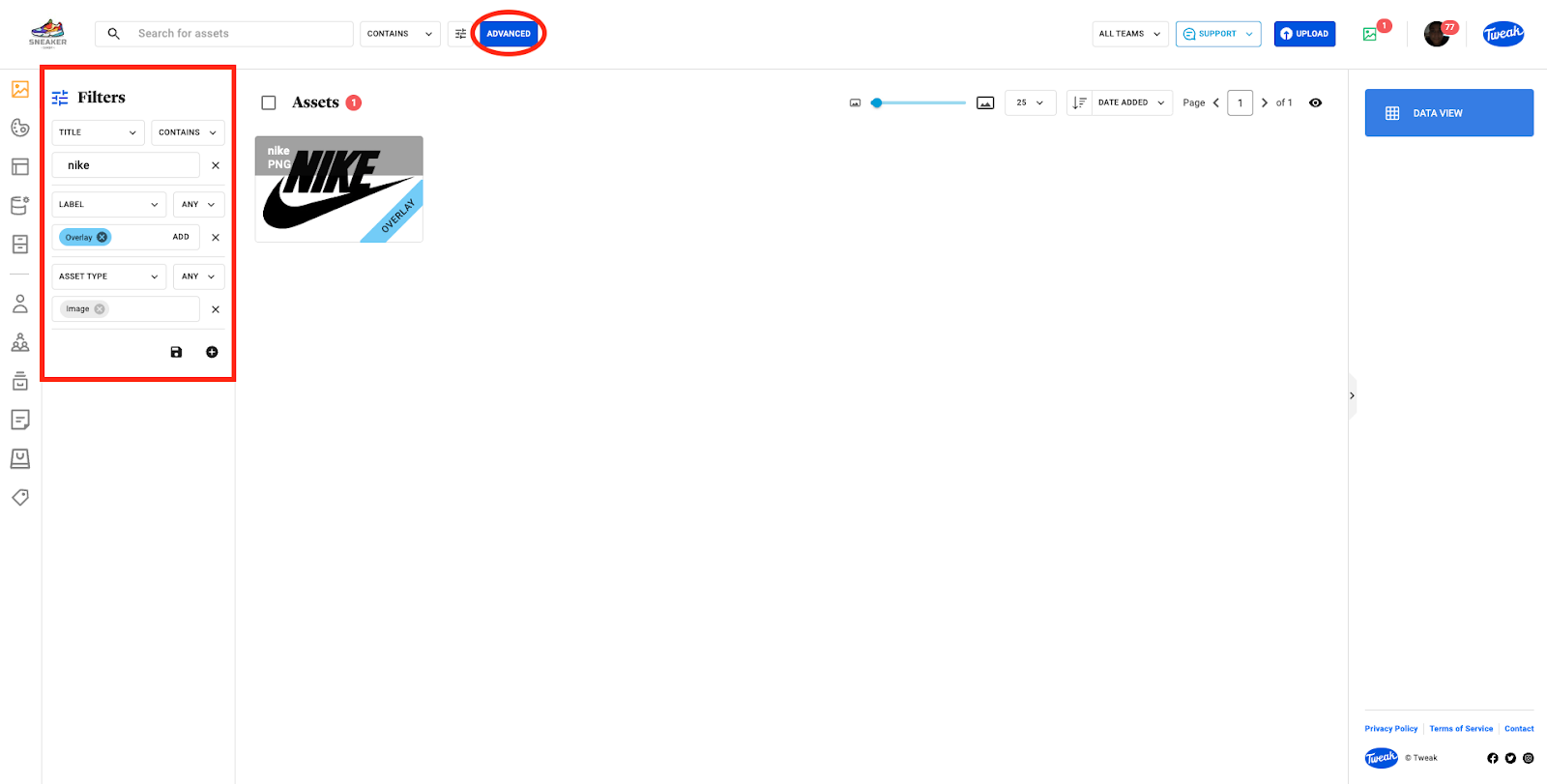
When accessing the Advanced Search/Filters, you will find two options: the diskette icon allows you to manage or use saved filters, and the + icon enables you to create new filters. By creating new filters, you can customize your search experience according to your preferences.
Advanced Search offers a wide range of metadata fields that you can utilize as individual search filters. These fields include Title, Description, Creator, Label, Section, Tags, People Count, A.I. Tags, Rating, Favorite, Collection, Asset Type, Category, Copyright, Copyright Notice and any Custom Metadata you have created.

With Advanced Search, you have the flexibility to narrow down your search based on specific criteria, such as titles, descriptions, tags, and more. This powerful feature empowers you to efficiently discover the content you need for your projects.







